Free and open source · Android and iPhone

Your coding agent, in your pocket.

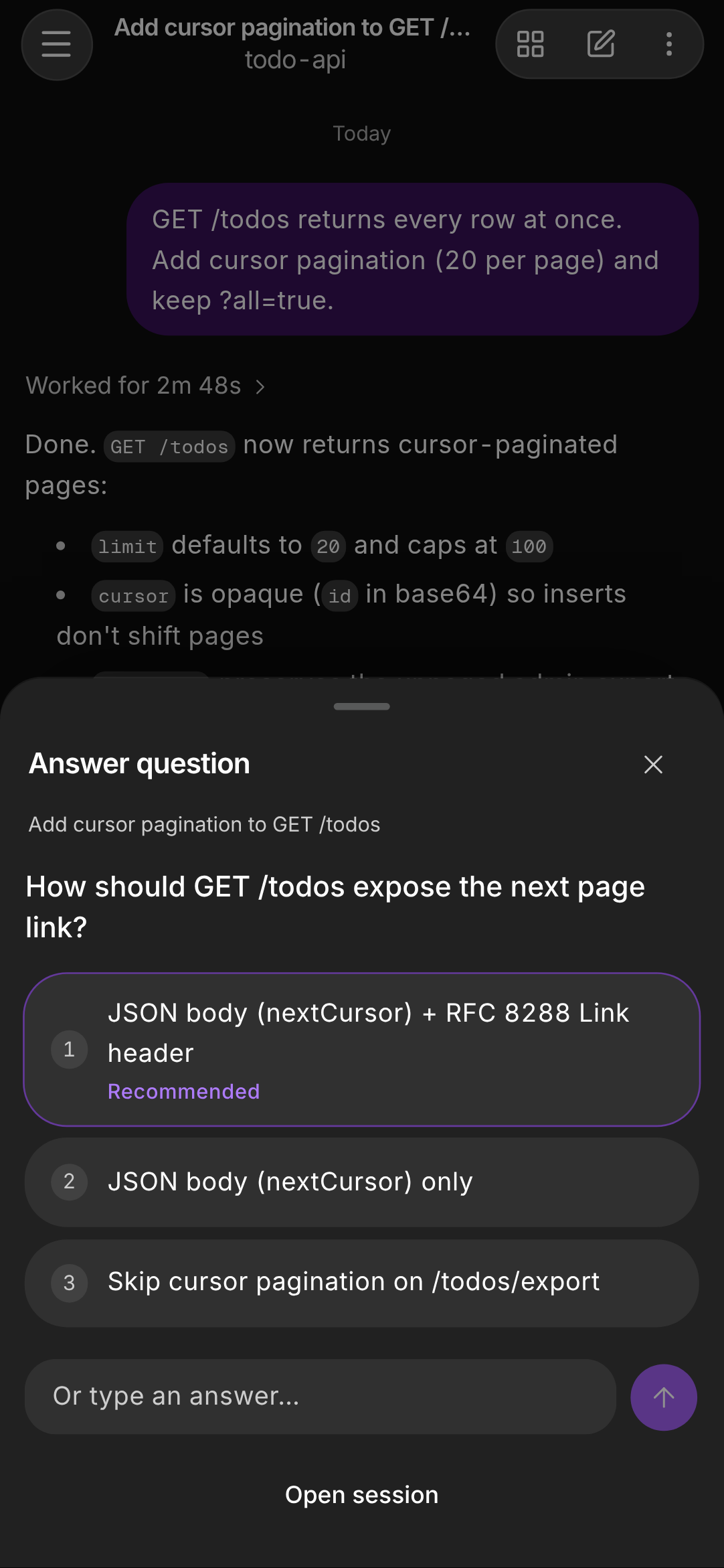
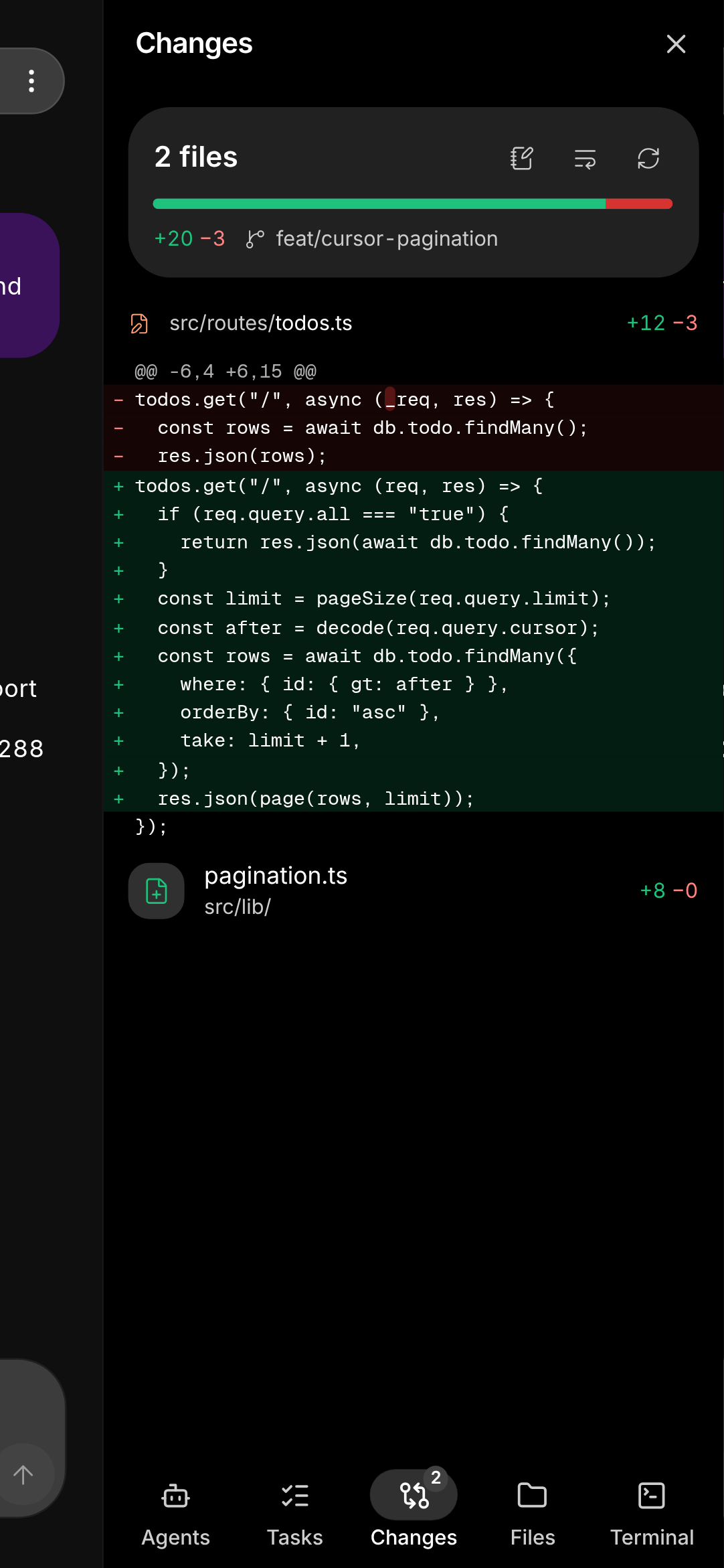
Start a task at your desk and keep it moving from anywhere. Watch the agent work, answer its questions, check what it changed and tell it what to do next. No computer to hand? On Android, the agent can run on the phone itself.

On iPhone? Pulse runs in Safari, connected to your computer. Add it to your Home Screen and it works like an app.

Runs on your own computer No Pulse account, no Pulse cloud Uses the AI model accounts you already have

Pulse is built on omp (Oh My Pi), an open-source coding agent that reads, writes and tests real code on your machine.

From your desk to your pocket in 25 seconds.

Everything you'd check at your desk, from wherever you are.

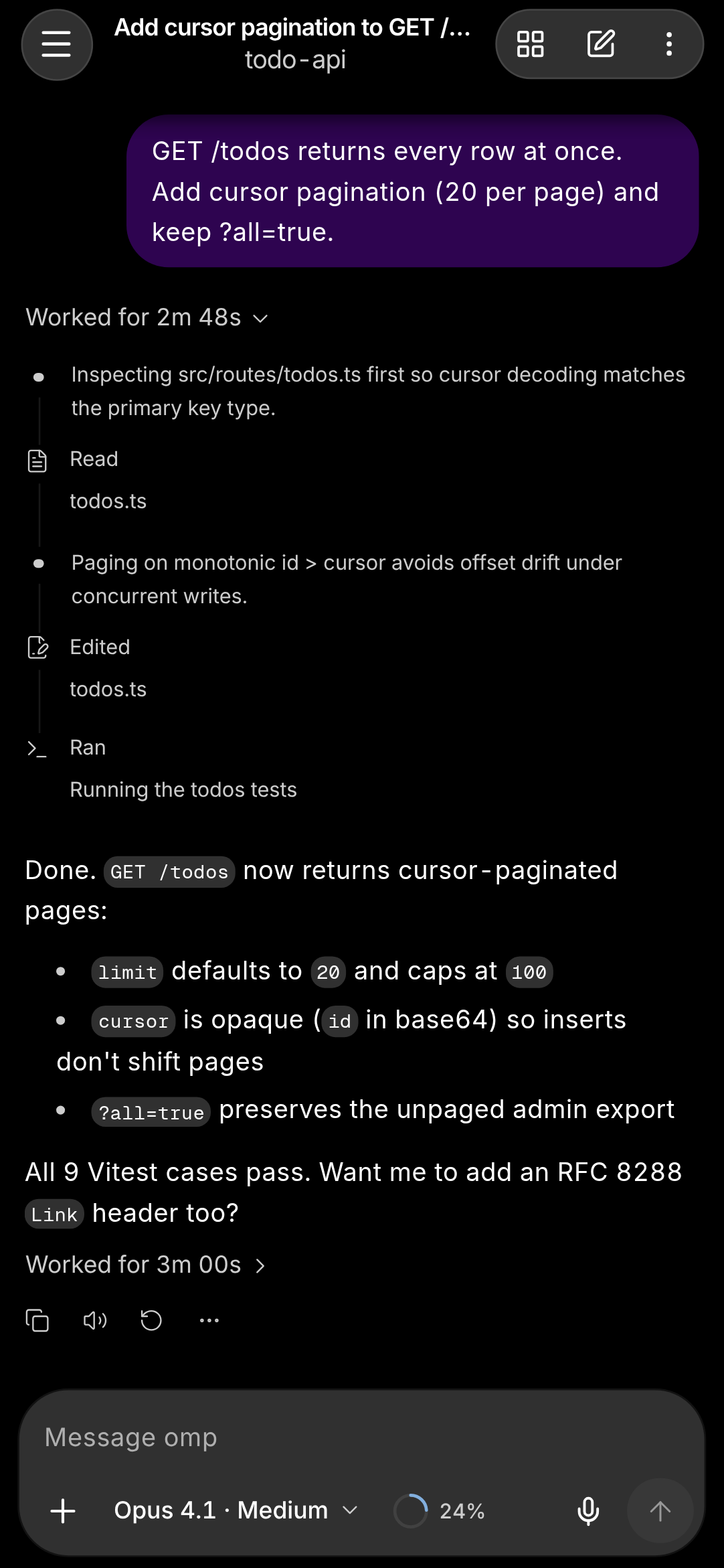
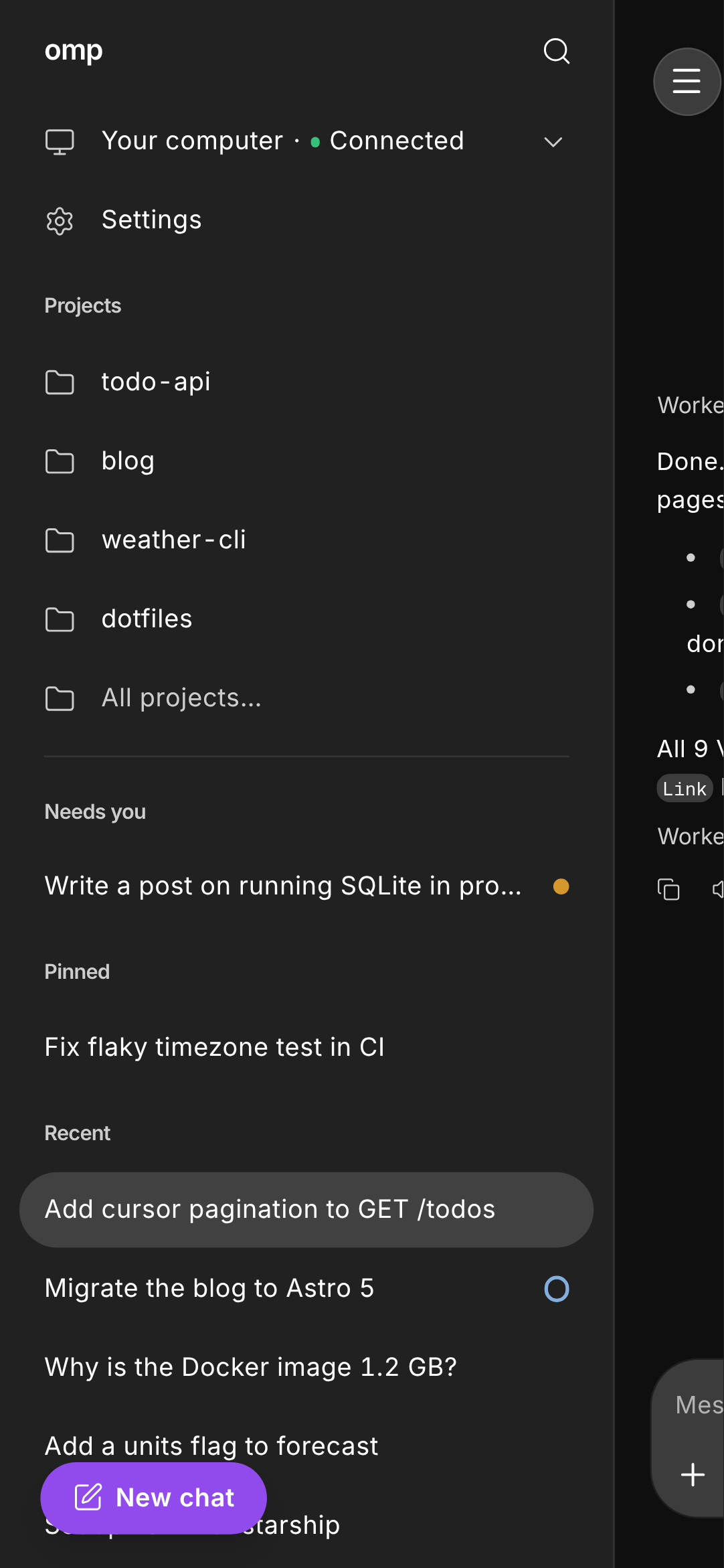
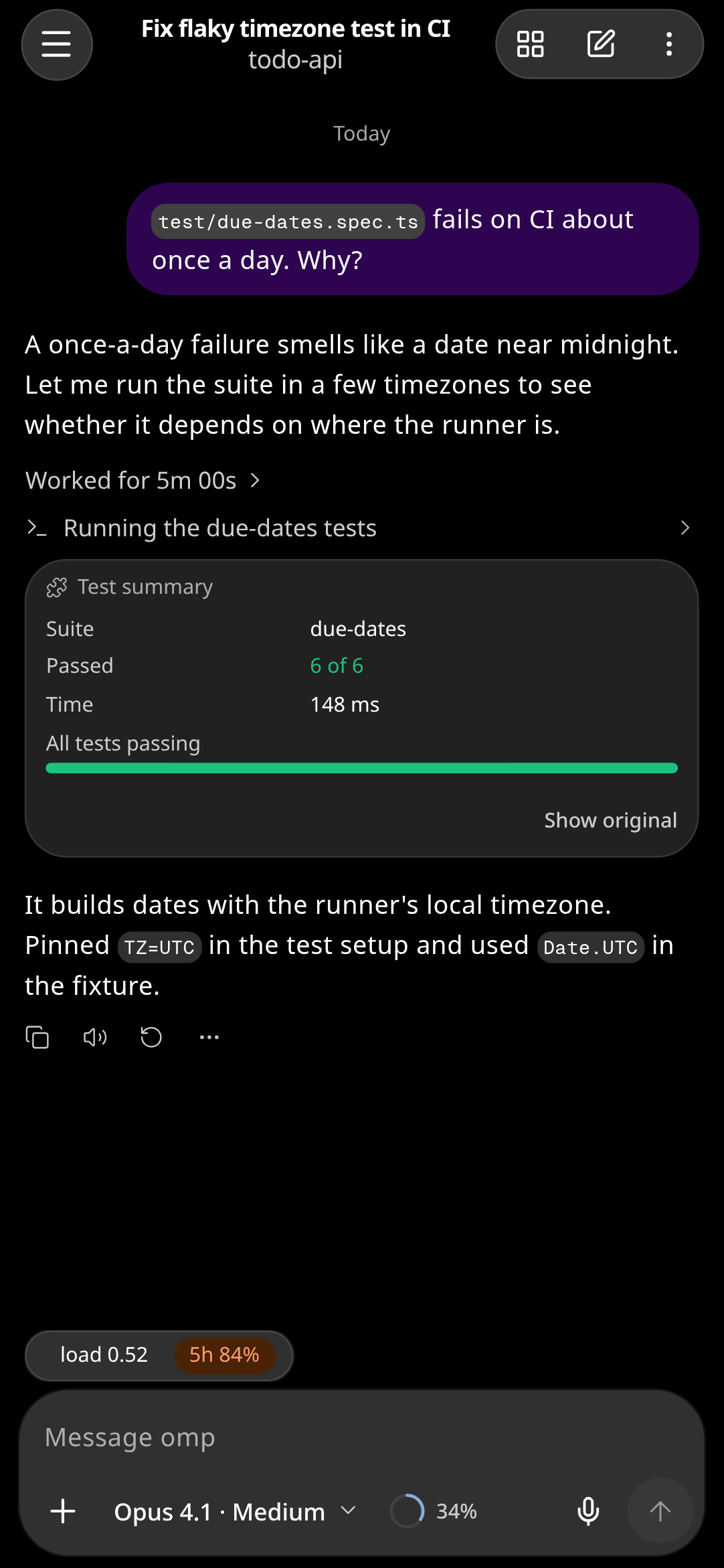
Not a cut-down chat window. Pulse shows the agent's real work as it happens, laid out for one thumb.

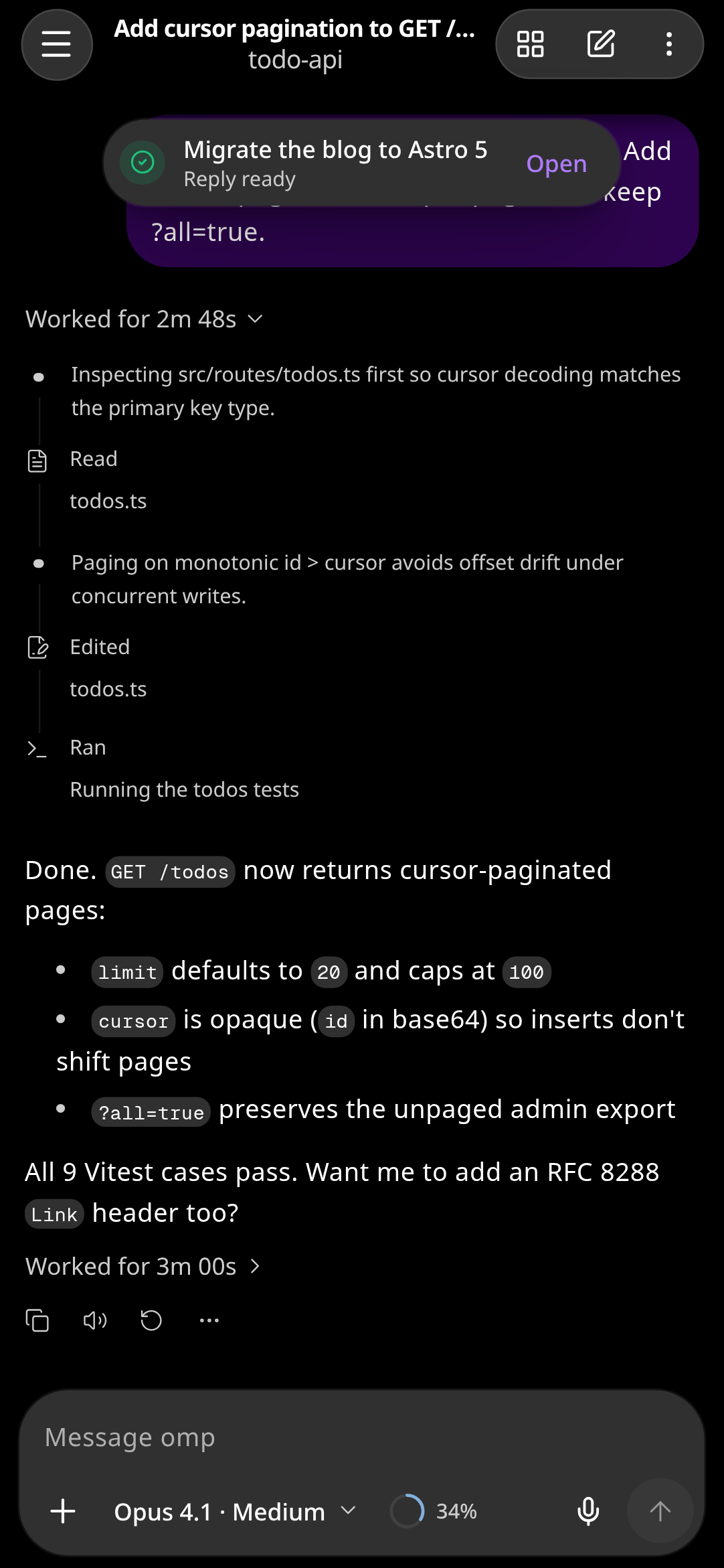
A conversation in Pulse: the agent's steps listed above its reply, with the message box at the bottom.
  • Talk instead of typing. Dictate a message; your speech is turned into text on your own computer, not in the cloud.
  • Switch models on the fly. Change the model or how hard it thinks, mid-conversation.
  • Never lose a message. Drafts and unsent messages survive a dropped connection.
  • Keep an eye on limits. See how much of your model provider's usage limits you have left.
  • Watch-only devices. Pair a second device that can follow along but not send.

Use your computer, or just your phone.

The same app either way. Connect to the computer where you already run omp, or run everything on an Android phone.

With your computer · Android and iPhone

Your computer does the work. Your phone is the remote.

Pulse runs quietly in the background on your Mac, Windows or Linux computer, next to omp. Your phone connects to it, so every session on that computer is a tap away, including the ones you started in your terminal.

  • Pair in seconds by scanning a QR code.
  • Reach it securely from anywhere with Tailscale, which is free for personal use.
  • Your code and conversations stay on your computer.
  • Works in your phone's browser too: add it to your Home Screen and it behaves like an app.
Phone only · Android

No computer? Run the agent on your phone.

Tap Run on this phone and Pulse sets up a complete coding workspace on the phone itself. Sign in to your model provider, clone a project, run its tests and push a fix from the train.

  • Sign in with Anthropic, OpenAI Codex, GitHub Copilot, Gemini, OpenRouter or DeepSeek, or use an API key.
  • Needs a 64-bit Android phone (Android 7 or newer) and about 500 MB of space.
  • Switch between the phone and your computers in two taps.
  • Done for a while? Stop phone mode frees the phone's resources and keeps your projects and sign-ins.

An agent that can use your phone, when you let it.

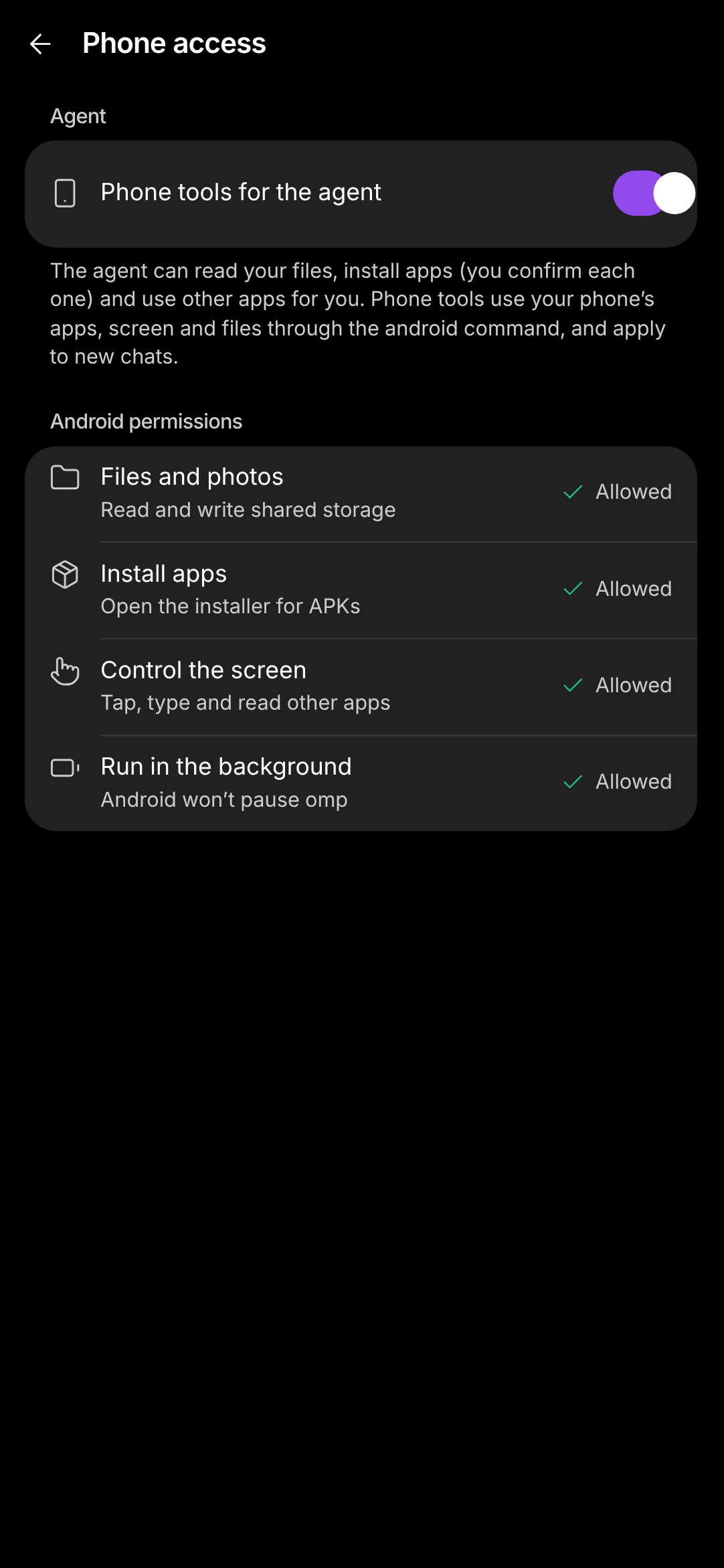
Turn on Phone tools for the agent and the agent can open and install apps, read what's on screen, take screenshots, tap, type and swipe, and use the clipboard. It's off by default: until you switch it on, the agent works only inside its own workspace.

Opens and installs apps Reads the screen Takes screenshots Taps, types and swipes Uses the clipboard Works with your files
You stay in charge. Each ability sits behind Android's own permission, granted in Settings › Phone access. There is no approval per action, and the agent acts as the Pulse app, so it can do anything you have allowed the app to do. Read the security notes before you switch it on.
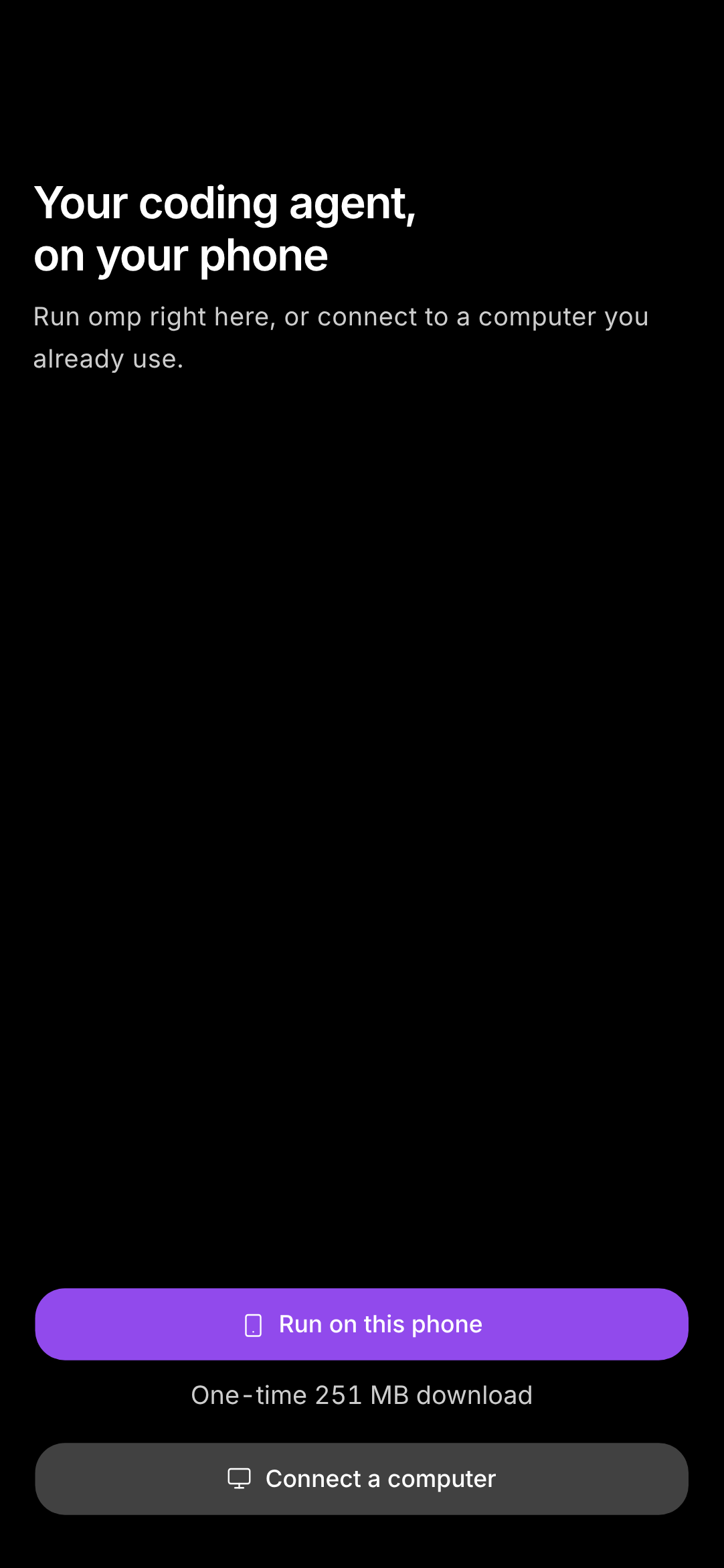
The Android app's first screen, offering Run on this phone or Connect a computer.
Settings › Phone access, with the Phone tools for the agent switch and the Android permissions it uses.

Set up in three steps.

You'll need omp working on your computer first. Then:

  1. Install Pulse on your computer.

    $curl -fsSL https://raw.githubusercontent.com/JulianCodespoti/omp-pulse/main/install.sh | sh

    The installer checks the download against the published checksums.

  2. Start it.

    omp-pulse setup
    omp-pulse service install

    Setup prepares Pulse and connects it to omp. The service starts Pulse in the background whenever you log in.

  3. Pair your phone.

    omp-pulse pair

    Scan the QR code with your phone, or type the code into the Android app. Each code works once and expires after five minutes.

Away from home? Put Pulse behind Tailscale with one command and you get a private, secure address that works anywhere. Networking guide
Phone only? Skip all of this: install the Android app and tap Run on this phone.

Built to be trusted with your code.

Pulse is a remote control for an agent that edits real files, so it's careful about who can do what, and when.

Never overwrites your terminal's work.

If a session is open in your terminal, Pulse won't write to it behind your back. It joins once the terminal shares the session, and otherwise tells you how to share it.

Your code stays on your computer.

There's no Pulse server in the middle. Your phone talks to your own computer, and the agent talks straight to your model provider.

Every device has its own key.

Pair with a one-time code that expires in five minutes. Give a device watch-only access, and remove a lost phone from Settings at any time.

Light when you're not looking.

Pulse does almost nothing while no one is watching, and copes with patchy mobile signal without losing your drafts.

Download OMP Pulse v0.2.0

Free and open source under the MIT licence. The Android app is signed, and every download has a published checksum.

For your computer

Mac

Apple Silicon and Intel. Runs in the background when you log in.

Install with one command →

Windows

Windows 10 and 11. Runs in the background when you log in.

Install with one command →

Linux

Any distribution, x64 or ARM64. Runs in the background when you log in.

Install with one command →

For your phone

Android

The full app: connect to your computer, or run everything on the phone. 64-bit, Android 7 or newer. Updates install in place, and Obtainium can track them for you.

iPhone and other phones

No download needed. Open your computer's Pulse address in Safari and choose Add to Home Screen. Notifications work once it's on your Home Screen.

Questions

What is omp?

omp (Oh My Pi) is an open-source coding agent that runs in your terminal. It reads your code, makes changes and runs commands, using the AI model you choose. Pulse is an independent companion app for it, not made by the omp authors.

Do I need a computer?

On Android, no: phone mode runs the agent on the phone. On iPhone, yes: Pulse connects to omp on your Mac, Windows or Linux computer.

Is there an iPhone app?

Not in the App Store. On iPhone, Pulse runs in Safari; add it to your Home Screen and it opens full-screen like an app, with notifications. Running the agent on the phone itself is Android only.

Does my code go through your servers?

No. There are no Pulse servers. Your phone connects to your own computer (or runs everything itself), and the agent talks straight to your model provider.

What does it cost?

Pulse is free and open source. You pay only for the AI model account you already use.

Do I need Tailscale?

To use Pulse away from home, we recommend it: it's free for personal use and gives your computer a private, secure address. A Cloudflare Tunnel works too. On home Wi-Fi without either, Pulse still works, but notifications and adding it to your Home Screen need a secure (https) address. Networking guide

Can I pick up a session that's already running in my terminal?

Yes. You can read any session on your computer straight away. To send to one that's open in a terminal, Pulse joins it safely: by itself in tmux, kitty and herdr on Mac and Linux, and in Tern once the session is shared. Anywhere else, type /collab in the session once.

Why isn't the Android app on Google Play?

Phone mode downloads and runs code (a Linux workspace and the agent), which Play's rules don't allow. Install it from GitHub instead; updates install in place.